How Can We Help?
Changing my password
To change your password, follow these steps:
- Log in to your account.
- Click on your profile picture.
- Click on ““Account & Settings”.
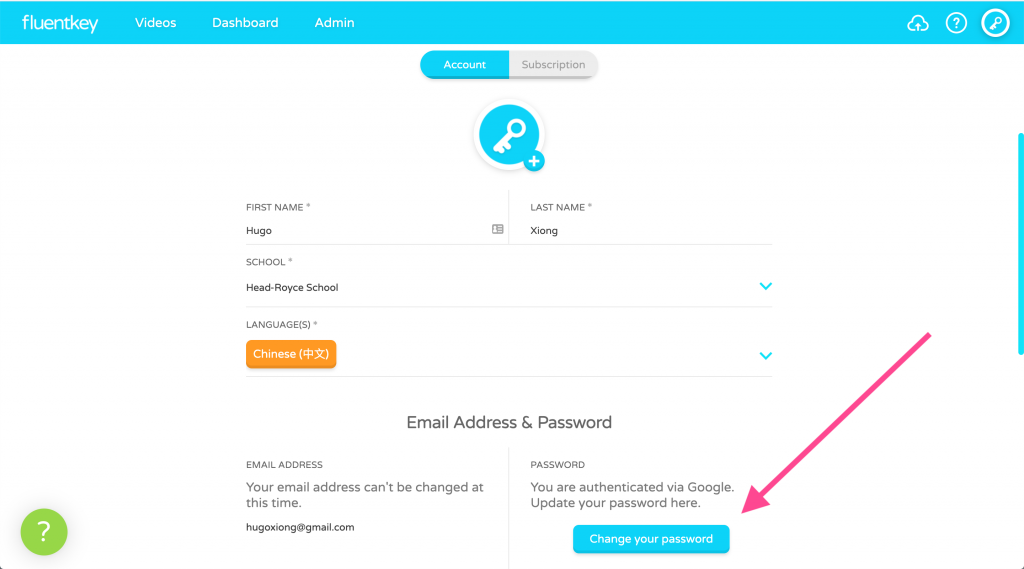
- Scroll to the “Email address & Password” section and press “Change your password”.
- Enter and confirm your new password.
- Press “Change” to save your new password.
If you’ve forgotten your password, reset your password.